Six phases, six teams. One setup you can run.
This briefing covers what a project manager needs to run the setup: who leads each phase, what to prepare before you start, the account setup steps, and how deposits reach a first certificate.
- Trusted by 3,500+ teams
- ISO/IEC 27001:2022 certified
- Guided setup, step by step
1 · Who does what
Six phases. A lead for each one.
You keep the project moving. Each phase has a lead on your side, a briefing for them, and a Codekeeper contact to work with.
1 · Decide
Led by decision makersThe demo, the proposal and the scope: which applications, which protection and which level.
Decision-maker briefing2 · Due diligence
Led by compliance officersQuestionnaires and security documents, under NDA where needed. Runs alongside the other phases.
Compliance briefing3 · Supplier onboarding
Led by procurement and financeVendor registration, tax and bank documents, the PO and billing contacts.
Procurement briefing4 · Account setup
Led by youThe account, team invitations, your role, the agreement structure and the settings.
Your steps5 · Agreement
Led by legal advisorsTemplate, legal context, jurisdiction and release conditions, then approvals and signatures.
Legal briefing6 · Deposits and proof
Led by tech teamsIntegrations or uploads, tagging and activation, and the first rebuild with a Pro level.
Tech briefing2 · Before you start
Prepare once, and setup moves fast.
The platform shows you what to do at each step. Having these ready means nobody waits on an email.
- Your organisation's details: name, address and registration information
- Contacts for everyone on your side who needs platform access
- The other party's organisation and contact details, for their invitations
- The names of your authorised representatives
- Your technical preferences, such as storage region and notifications
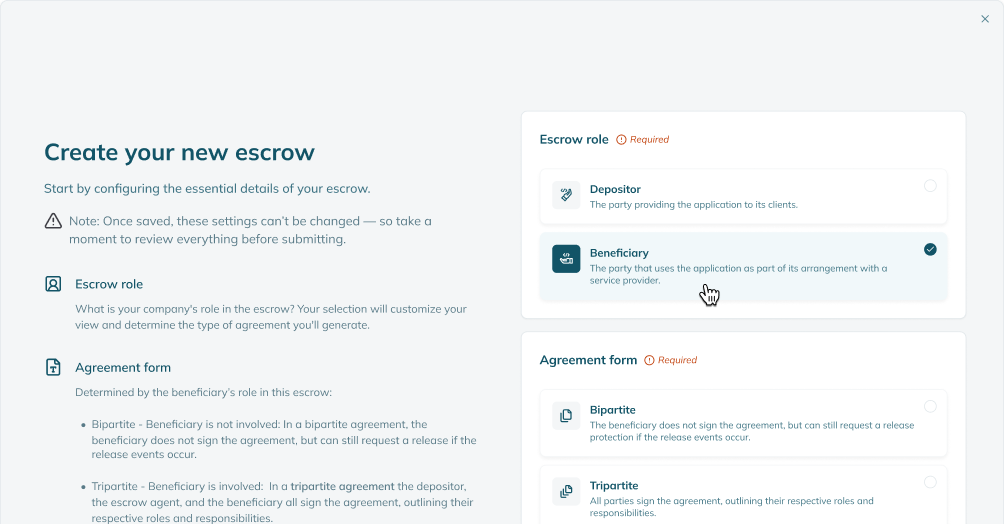
- Whether you're the depositor or the beneficiary
- The protection for each application: Escrow, Resilience or Continuity
- For Continuity: someone who knows where the application runs and the accounts and services it depends on
3 · Deposits
From a signed agreement to a first certificate.
Deposits open
Once every party has signed the agreement, your tech team can start depositing.
Connect or upload
They connect repositories through an integration, synced daily, or upload compressed files.
Tag and activate
Each deposit is tagged by type and activated. We run an automated check and issue the Software Resilience Certificate.
First rebuild, with a Pro level
Start a rebuild when the deposit is complete. A successful run issues a Recoverability Certificate.
Your steps, and ours
Account setup, step by step.
After sign-up, you'll get an email with setup details. From there, the platform guides each step.
Free guide
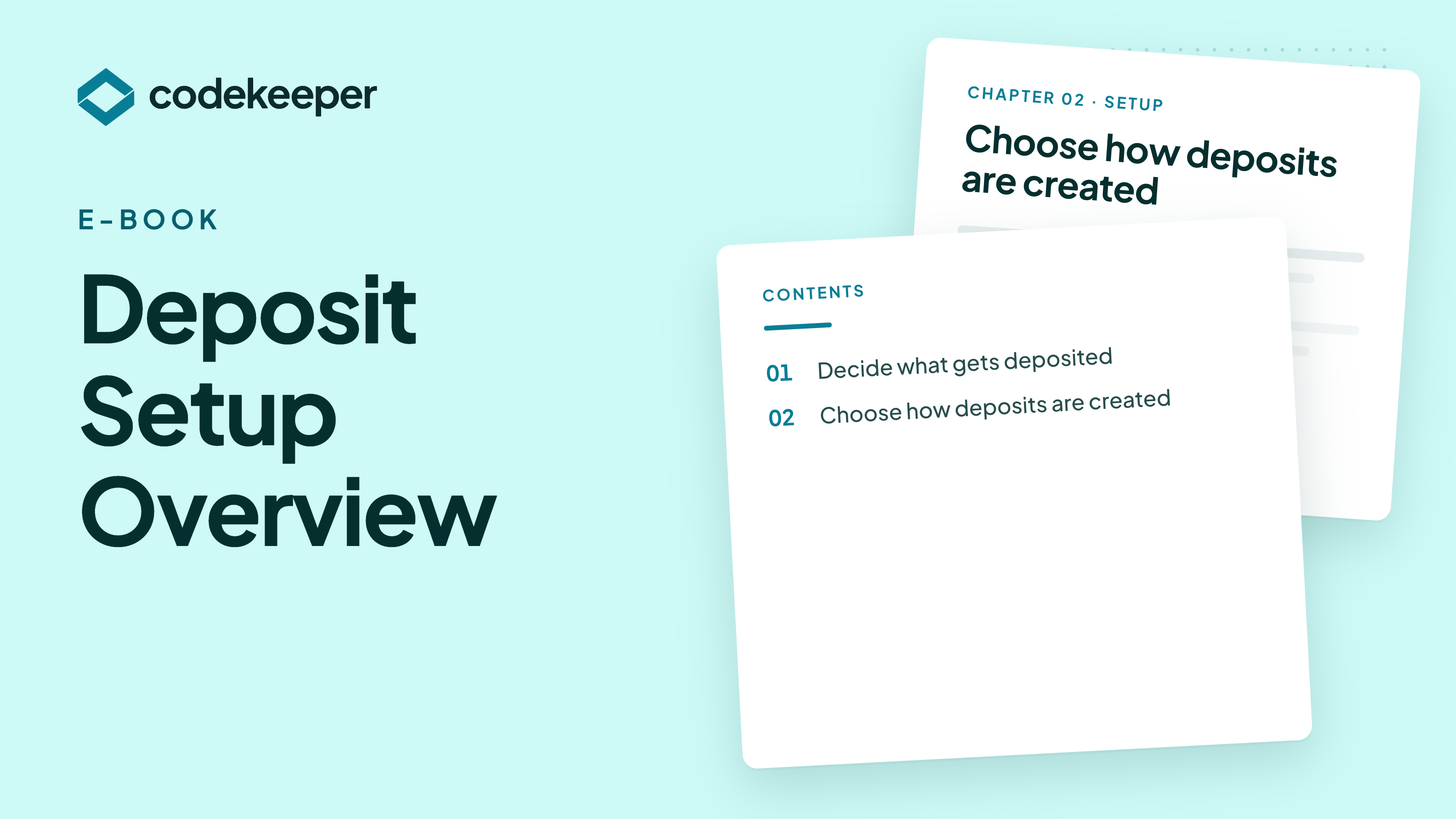
Deposit Setup Overview
How deposits reach the vault, through integrations or secure upload, and what to deposit for each type of application.
- Integrations and secure upload, side by side
- What to deposit for software, SaaS and AI
- Keeping deposits current without manual work
Questions
Keeping setup on track.
How long does setup take?
Once your teams are involved, setup usually takes one to two weeks, depending on your internal response times. The legal review between parties is the step most likely to take longer.
Are we the depositor or the beneficiary?
If you supply the software, you're typically the depositor. If you rely on it, you're typically the beneficiary. Not sure? Ask us before you choose.
Who should we invite?
Everyone who'll take part in a later phase, usually legal, compliance and technical stakeholders. You can invite them from the dashboard at any time.
What does the other party need to do?
On a three-party agreement, we invite them to add their own details, and they log in to approve the agreement before signatures go out. Their details appear in the agreement once they've accepted the invitation and completed onboarding.
Why can't we deposit yet?
Deposits open once the agreement is signed. Check that every agreement step is complete, including approvals and signatures.
Your Codekeeper team
Who'll help you run it.
One contact for each kind of question, so nothing waits in a shared inbox.

Account manager · Sales
Eric
Scope changes, more applications and anything in the proposal.
Book a demo
Account support · Customer Success
Robyn
Account setup, invitations and settings.
Book a support briefing
Tech support · Customer Success
Sam
Integrations, deposits and the first rebuild, with your tech team.
Book a technical briefingBrief the rest of your team
Book your onboarding call.
We'll activate the account with you, configure it for your applications and show you where everything is.
A setup you can run, with help at every phase.
See the platform on a demo, or get the sample evidence pack to see what your setup produces.