NewResilience, Continuity, the Pro levels and Agentic Verification: from safekeeping to proof you can recover.The new line-up is here.See what's new
The tech briefing, in the shared briefing structure. Same hero, six-phase tracker (phase 6 marked "Your part") and section order as the other five. A tech team says yes when the work is clear and the code is safe: how deposits get in, what a rebuild does and returns, and how it's secured. Those are the three topics.
  • The old tiers are gone. Production ends with "generate a Validated escrow certificate" and "request an advanced review". That's now the automated check and Software Resilience Certificate on every protection, and Agentic Verification with the Pro levels.
  • 16 Oct: Continuity Pro added; base Continuity no longer includes Agentic Verification, so rebuilds are described as coming with a Pro level (Escrow Pro, Resilience Pro or Continuity Pro).
  • No stack is named, as agreed: rebuilds run "on supported technology stacks".
  • Security claims are limited to ISO/IEC 27001:2022, plus the confirmed encryption facts.
Briefing · Tech teams

Connect once. Prove it builds.

This briefing covers what a tech team needs to know: how deposits connect and stay current, how Agentic Verification rebuilds the deposit in the Codekeeper AI Verification Lab and what it gives you back, and how your code is secured.

  • 50+ integrations, plus Secure Upload
  • ISO/IEC 27001:2022 certified
  • Codekeeper's own models, no third-party AI
Topic 1: deposits and integrations. The two methods are production's ("Automated integration: Connect your repositories via OAuth for daily syncing", "Manual upload: Drag-and-drop compressed ZIP files"). "50+ integrations" is production's figure, kept and flagged (agreed: production stats stay, flagged). The hub has setup pages for 24 platforms and production's grid shows 40, so Product must confirm the real count (open in to-confirm.md, so it isn't used here). Production says "via OAuth", but only 6 of the 24 connect with OAuth; the others use access the customer creates (Custom) or the platform's own sign-in (Advanced), so the copy says "with OAuth or access you create". "Synced daily" is a production claim, flagged. The asset categories are production's list, each linked to the matching "What we deposit" page in the kit. Production's note is kept: the agreement defines what should be deposited, and the aim is to rebuild from scratch without prior knowledge. Integration logos aren't used (third-party marks); the integrations hub carries them.

1 · Deposits and integrations

Connect once. Deposits keep themselves current.

Choose the method that fits how often you release. The platform walks you through either one.

Automated integration

Connect your repositories and platforms once, with OAuth or access you create, choose the branches or assets to include, and deposits sync daily. 50+ integrations, including GitHub, GitLab, Bitbucket, Azure DevOps, Amazon S3 and Google Cloud.

See all integrations

Manual upload

Drag and drop compressed files straight into the platform. Useful for database exports, build artefacts or anything that doesn't live in a repository. You can mix both methods on the same plan.

What to deposit

The agreement defines what the other side expects to recover. In most cases, that's everything needed to rebuild and run the software from scratch, by someone who has never seen it.

Topic 2: what a rebuild does and what it returns. Every line is MESSAGING §6 (Agentic Verification): the Codekeeper AI Verification Lab, own models, self-serve runs, missing items flagged, hours not weeks, four rebuilds a year, the outputs, the deployable copy held by the depositor until a release event, and monitoring between runs. No stack is named. The run report is the homepage's example (fictional values); its "3 h 12 min" illustrates "hours" and isn't a promised duration. The base levels' automated check replaces production's "Validated escrow certificate". 16 Oct: the lead says rebuilds come "with a Pro level", since base Continuity no longer includes Agentic Verification.

2 · Agentic Verification

A rebuild in the Codekeeper AI Verification Lab. In hours, not weeks.

Every protection runs an automated check of what's deposited. With a Pro level, AI agents also work out how your deposit is built and rebuild it, with no help from the vendor.

  • Each run happens in the Codekeeper AI Verification Lab, sealed and cut off from production, development and the open internet
  • Runs are self-serve: start one when you choose, and add or remove materials at any point
  • Anything missing is flagged, so the depositor can add it and run again
  • You get build steps, an SBOM, an Exit workbook, a deployable copy and a Recoverability Certificate
  • The depositor holds the deployable copy; the customer gains access on a release event
  • Between runs, we compare the deposit with your live repositories and flag what changed
  • Four rebuilds a year included, on supported technology stacks
Topic 3: security, limited to what's confirmed. ISO/IEC 27001:2022 (audited by BSI) is the only certification claimed; production's other badges aren't. AES-256 at rest is the brief's wording (production says "AES-256/512", flagged), with TLS in transit. "We only access a deposit when a release or verification requires it, and all access is logged and audited" is the Trust Center wording the FAQ uses; production also says "no one at Codekeeper has access", which contradicts it, so security should confirm the line. MFA isn't mentioned: production describes it as both required and optional.

3 · Security

Your code stays in our environment.

Deposits are held in encrypted vaults, and rebuilds run on our own models and infrastructure.

ISO/IEC 27001:2022

Our information security management system is certified, audited by BSI.

Encrypted

AES-256 encryption at rest and TLS in transit, for every deposit.

No third-party AI

Agentic Verification runs on Codekeeper's own models. We only access a deposit when a release or verification requires it, and access is logged and audited.

Production's three deposit steps and checklists, in the shared table, plus the rebuild. Rows 1 to 3 are production's ("Organize your software assets", "Choose your deposit method", "Upload, tag, and activate your escrow"), with production's "Our key responsibilities" on the right, minus "validate all deposits to ensure escrow compliance" and "issue official escrow validation certificates", which belong to the old tiers. Row 4 is the new line-up: the first rebuild with a Pro level. 16 Oct: was "Pro or Continuity"; base Continuity no longer includes rebuilds now that Continuity Pro exists.

Your steps, and ours

From inventory to a first certificate.

Deposits open once the agreement is signed. Before then, you can get everything ready.
Your part
What Codekeeper does
1 · Organise your assets
Make an inventory of everything you'll deposit, matched to the categories in the agreement. Make sure you have admin access to the systems involved.
Helps you match the inventory to what the agreement expects.
2 · Choose a method
Connect repositories through an integration, or prepare compressed files for upload. Pick based on how often you release.
Walks you through the method in the platform, and supports both.
3 · Upload, tag and activate
Deposit everything, tag each item by type, review the summary and activate.
Holds the deposit encrypted, runs the automated check and issues the Software Resilience Certificate.
4 · Run the first rebuild
With a Pro level, start a rebuild when the deposit is complete. Add anything the run flags as missing.
Rebuilds in the Codekeeper AI Verification Lab and, on success, issues the Recoverability Certificate with the run report, SBOM, build steps and Exit workbook.
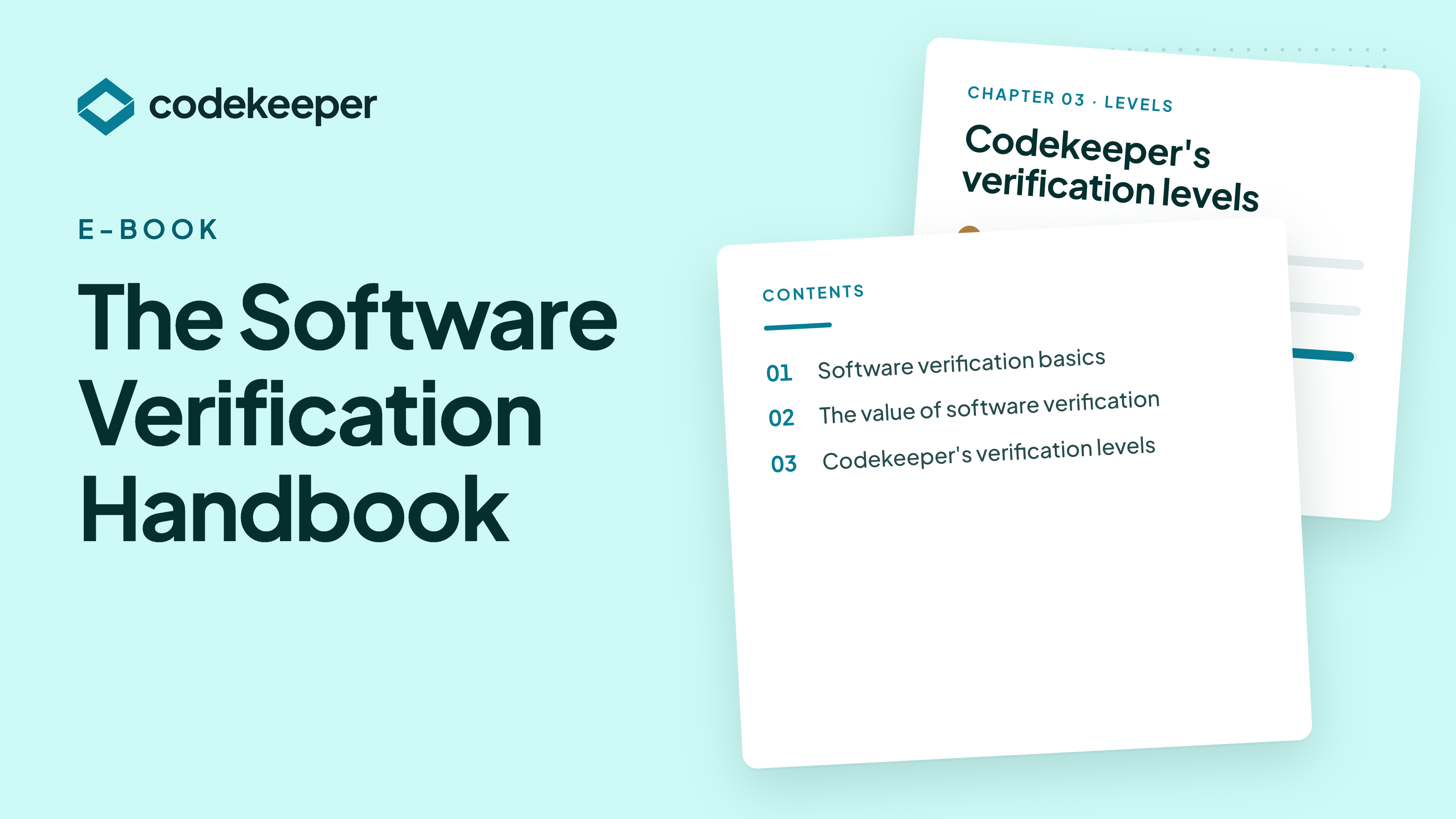
The page-specific offer on educational pages. Agreed 7 Oct: on explainers, video guides, magazine articles and role briefings, the mid-page offer is the matching guide instead of the sample evidence pack. Visitors who are still learning convert better on a guide about their question. The hero and closing section still carry Book a demo and Get the sample evidence pack. Guide source on production: the "resources-software-verification-handbook" item on /resources. Before launch: update the guide itself to the October line-up (it still uses the old product names and verification tiers) and connect this form to the HubSpot form that sends it. On the tech briefing the handbook goes one level deeper on topic 2: what each check and rebuild proves.
The Software Verification Handbook

Free guide

The Software Verification Handbook

How verification turns a deposit into proof that it builds and that you could exit.

  • What an automated check confirms
  • What a rebuild by AI agents proves
  • When an expert-led Exit Exercise is worth it
Enter your work email.
Enter your company.

Check your inbox.

The guide is on its way. (Example only: this kit sends nothing.)

The questions engineers ask. Answers are the FAQ's and the Agentic Verification page's, all within MESSAGING §6. The stacks answer stays generic until the supported list is confirmed. The rebuild-failure answer is the FAQ's. 16 Oct: four rebuilds a year now come "with the Pro levels", since base Continuity no longer includes Agentic Verification.

Questions

Before you connect anything.

Which technology stacks are supported?

Rebuilds run on supported technology stacks. Tell us what your application is built with, and we'll confirm before you start.

Does Agentic Verification send our code to a third-party AI?

No. Rebuilds run on Codekeeper's own models and infrastructure, and the code stays in Codekeeper's environment. Each run happens in the Codekeeper AI Verification Lab, sealed and cut off from production, development and the open internet.

What happens if a rebuild fails?

The run report shows what built and what was missing. The depositor adds the missing parts, and you run it again.

Who holds the deployable copy?

The depositor. The customer gains access to it on a release event.

How do we know when to rebuild?

Between runs, we compare the deposit with your live repositories and flag what changed. You might rebuild after a major release, before an audit or whenever the deposit changes. Four rebuilds a year are included with the Pro levels, and twelve with the add-on.

Can we deposit manually as well?

Yes. Upload compressed files alongside your integrations, on the same plan.

The people, the rest of the set, and the booking route for this role. Production's tech briefing shows Robyn (Account Support, Customer Success) and Sam (Tech Support, Customer Success; the photo file is "Sam Hofmeyr"), with photos by absolute URL. Before launch, confirm with each person that they agree to appear, that the role is current and that the photo is recent. Names are flagged until then. The third card is the integrations hub, production's "Additional resources" link. The tech route is the technical briefing call.

Your Codekeeper team

Engineers to talk to.

Bring your questions about integrations, tagging, the automated check and rebuilds.

Sam, tech support at Codekeeper

Tech support · Customer Success

Sam

Integrations, deposit methods, tagging and your first rebuild.

Book a technical briefing
Robyn, account support at Codekeeper

Account support · Customer Success

Robyn

Platform access, invitations and settings.

Book a support briefing

Self-serve

Integration guides

How to connect each repository or platform, and what syncs.

See the integrations

Brief the rest of your team

Book a technical briefing.

Go through repositories, deposit methods, tagging and your first rebuild with our tech support team.

Book a technical briefing
The same close on every page. The tech briefing closes on the two things this reader cares about: little work, and proof. Every page ends on the same two actions in the same order: Book a demo, then the sample evidence pack.

Connect it once. Know it builds.

See a deposit and a rebuild on a demo, or get the sample evidence pack with a run report and an SBOM excerpt.

Chat widget goes here. Production runs HubSpot chat in this corner. Keep it on launch: it catches visitors with a quick question who won't book a demo yet. Route it to sales during office hours.